


ANDROID 8.0+ (SDK 26+)
SakuIn
Manage your payday and daily safe-to-spend with clarity
Offline-first personal finance app with on-device receipt scanning, daily safe-to-spend, and encrypted family sync. Built so you always know how much is truly safe to spend today until your next payday.
- LOCAL-FIRST
- Data stays on-device
- ON-DEVICE OCR
- Offline ML Kit & ONNX
- ZERO ADS
- No ads or trackers
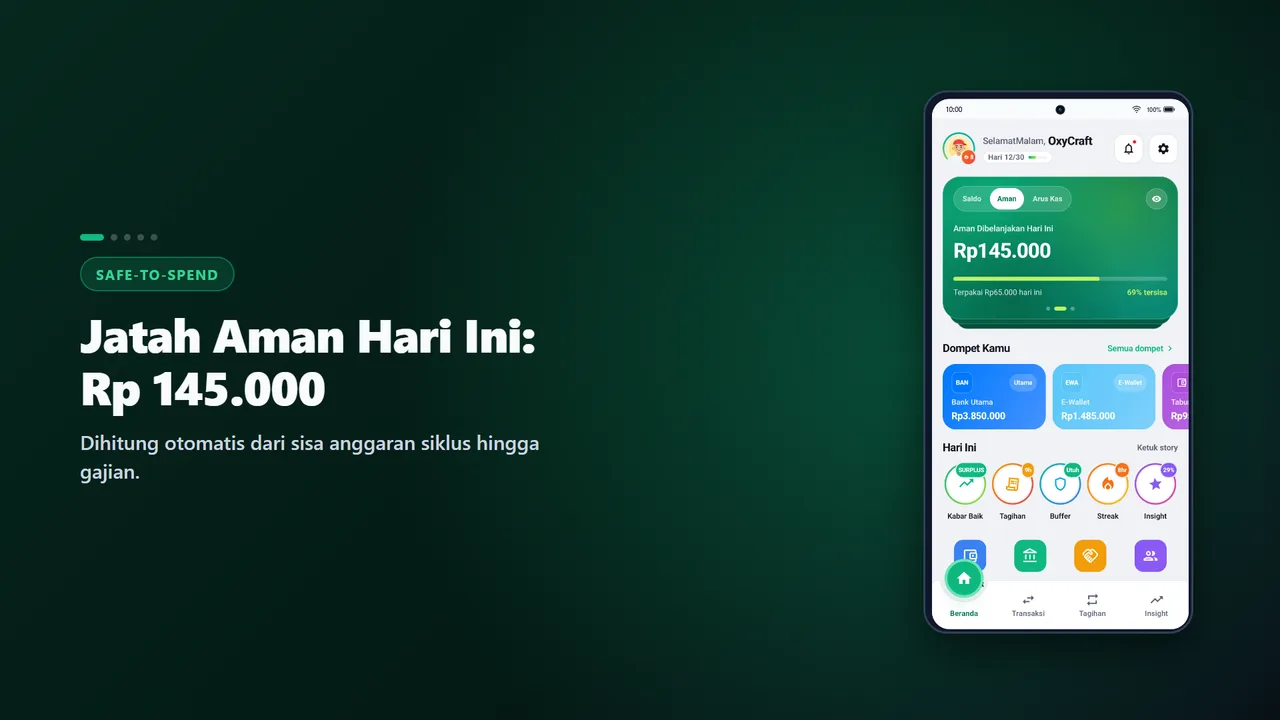
The preview beside shows actual SakuIn app screens with sample data (light & dark appearance automatically follows the page theme).
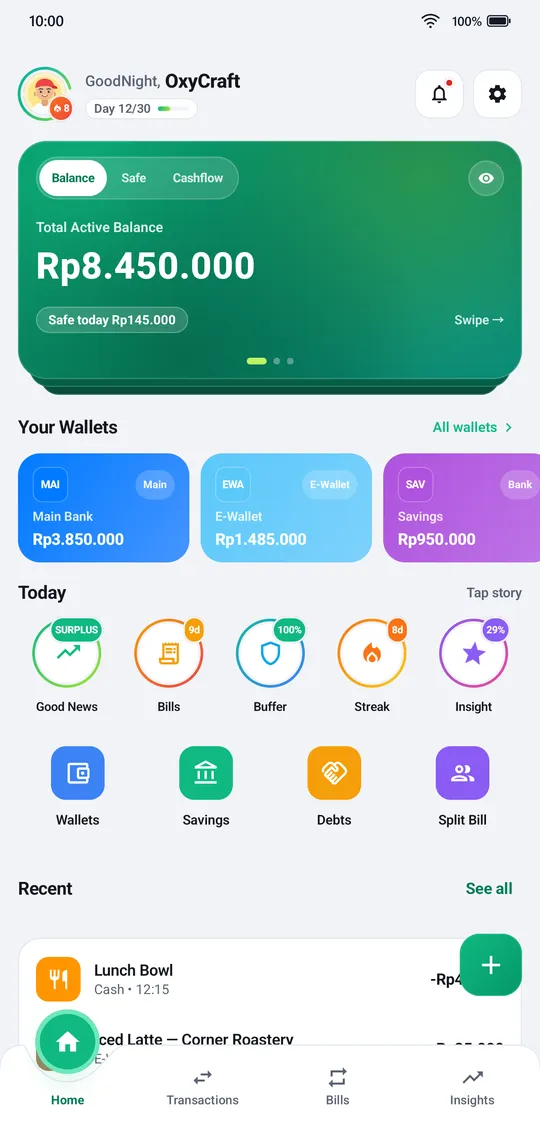
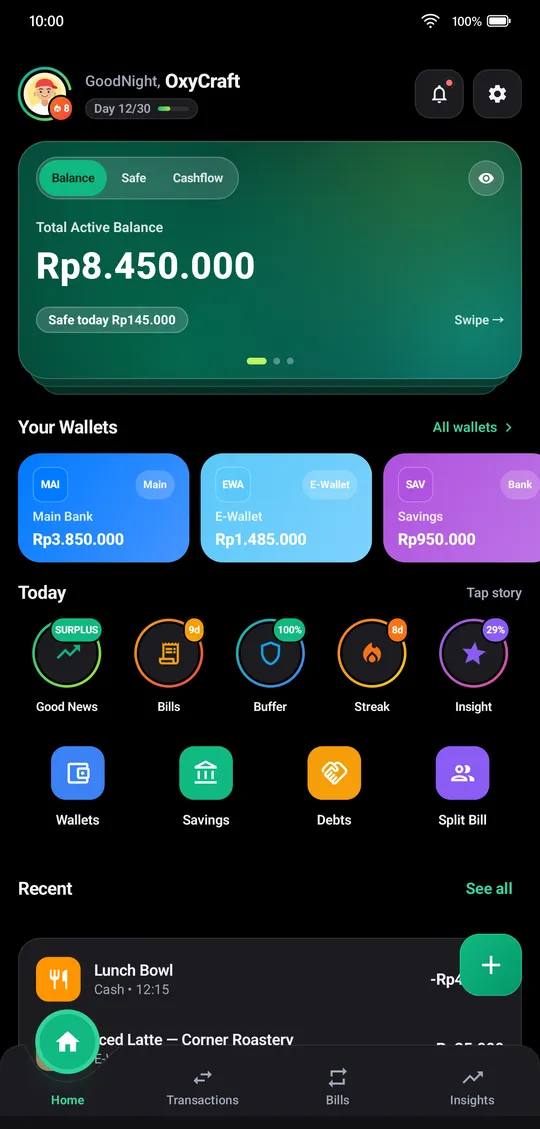
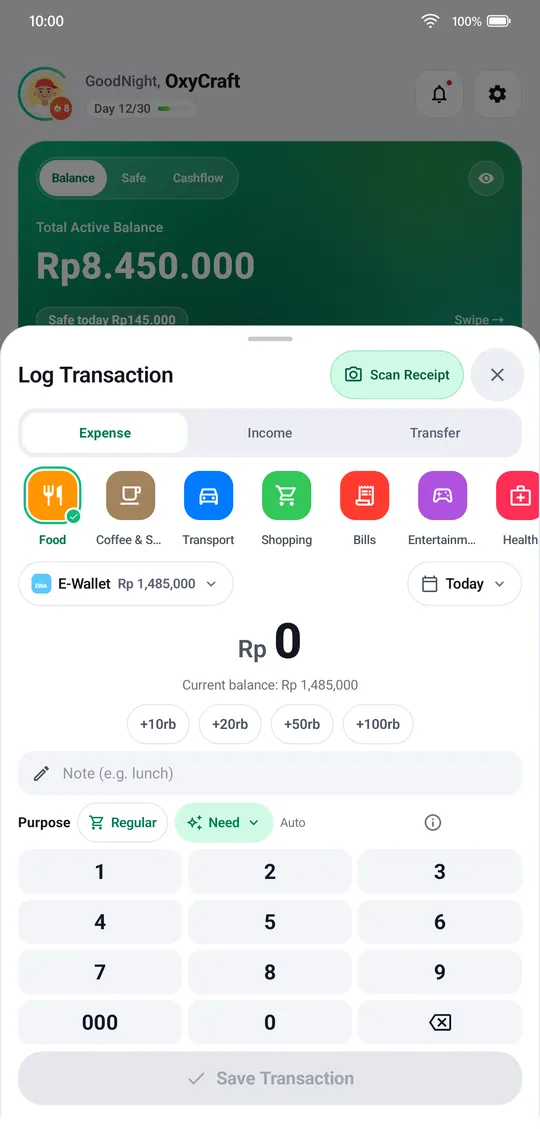
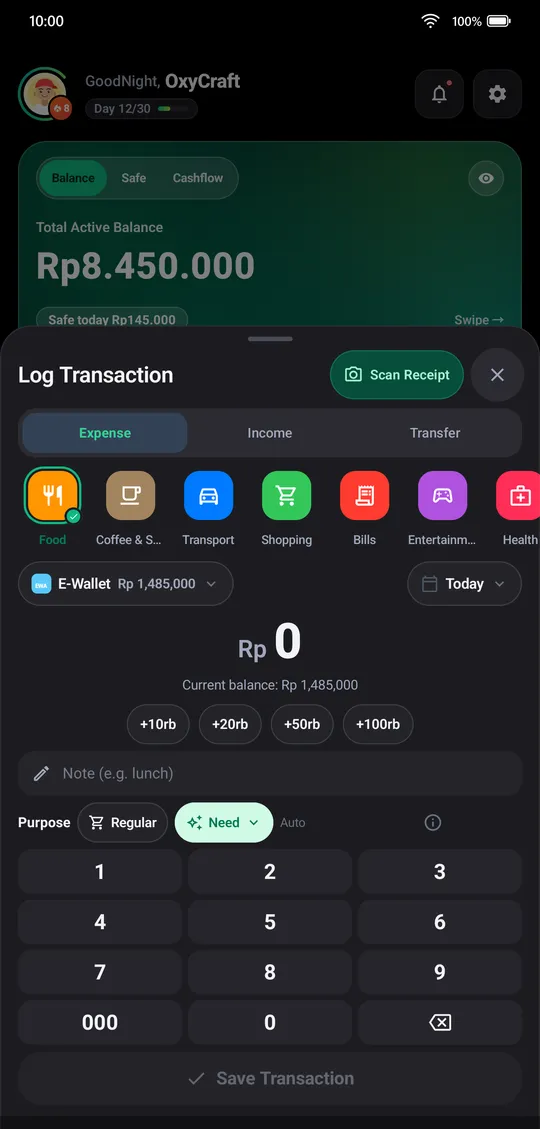
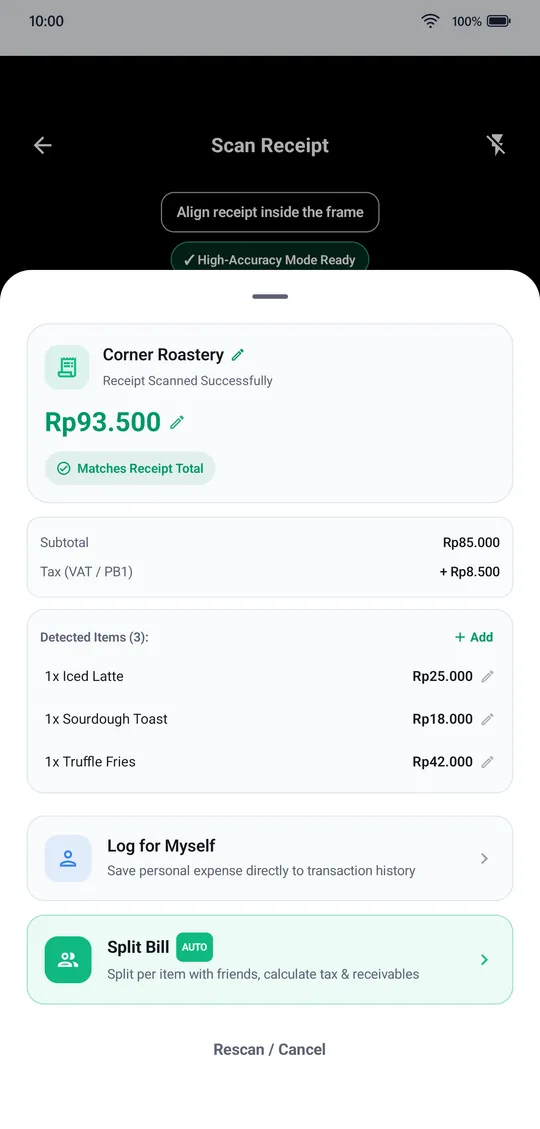
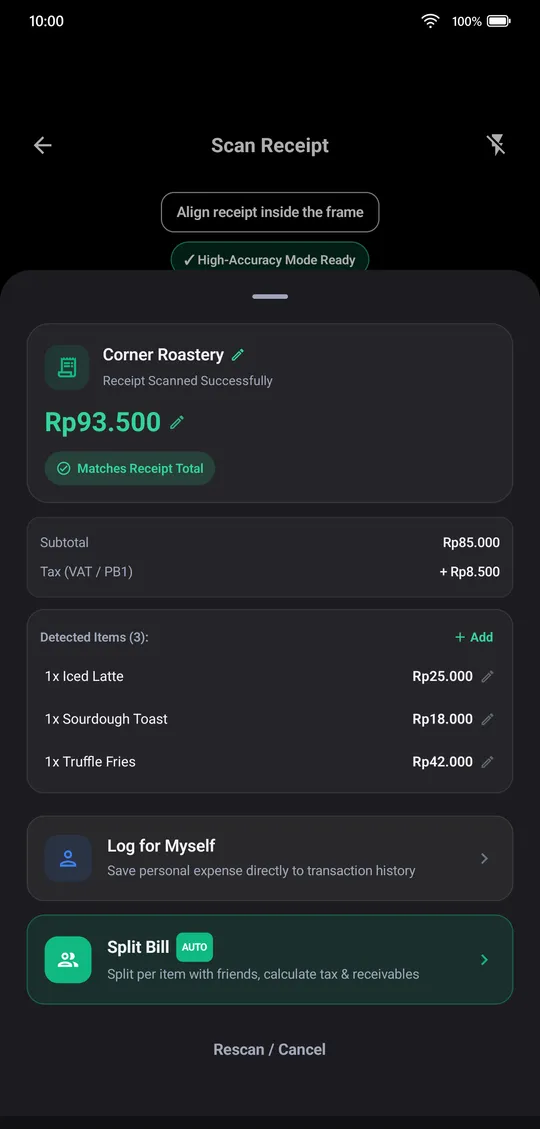
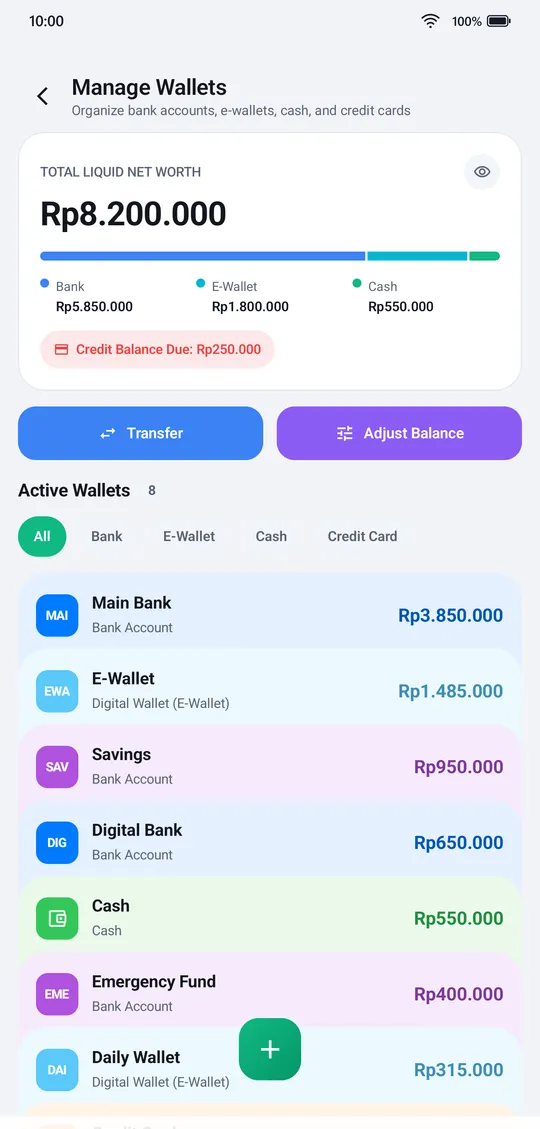
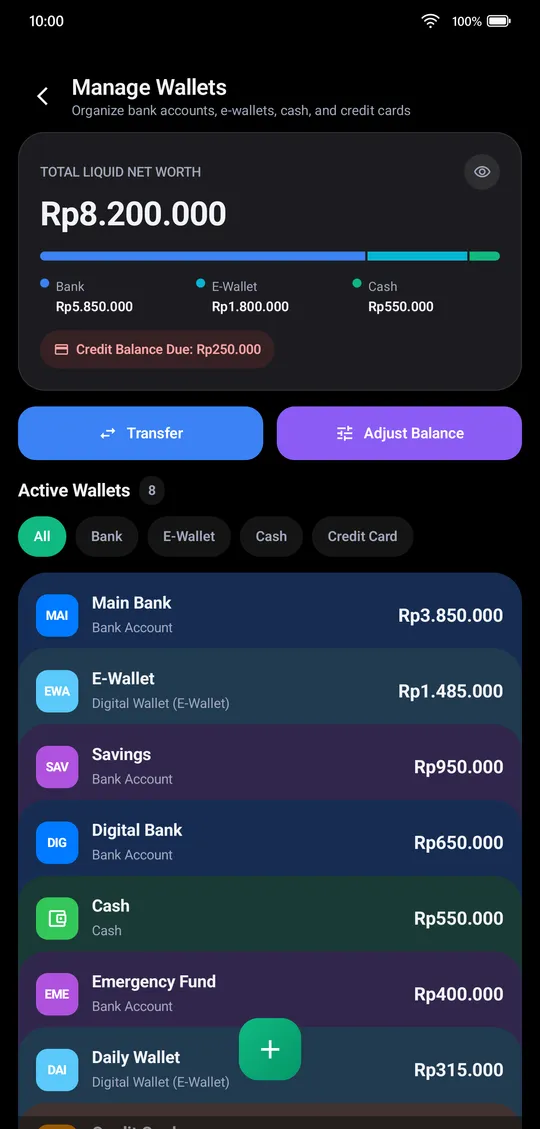
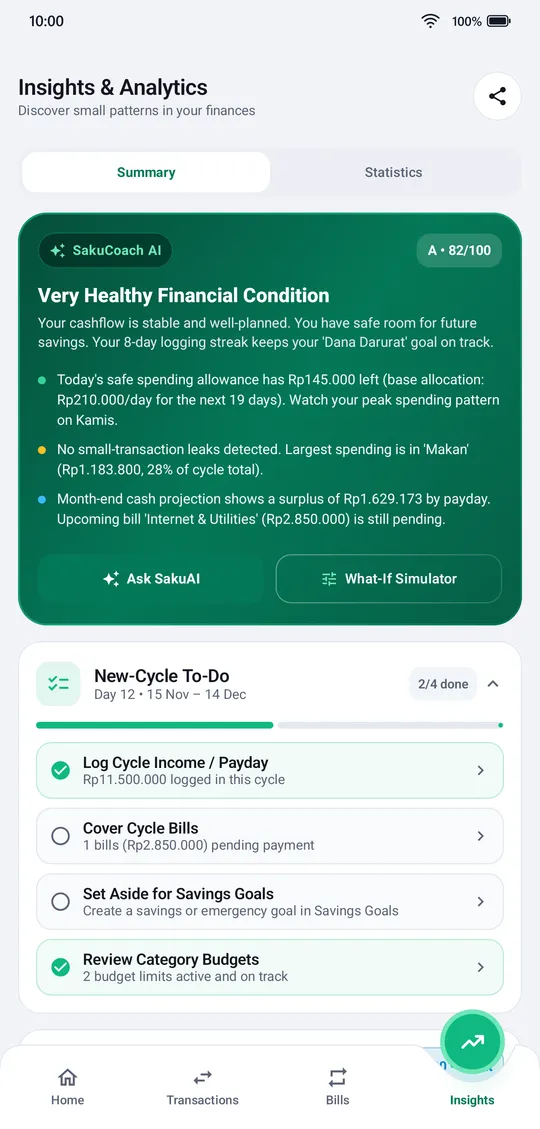
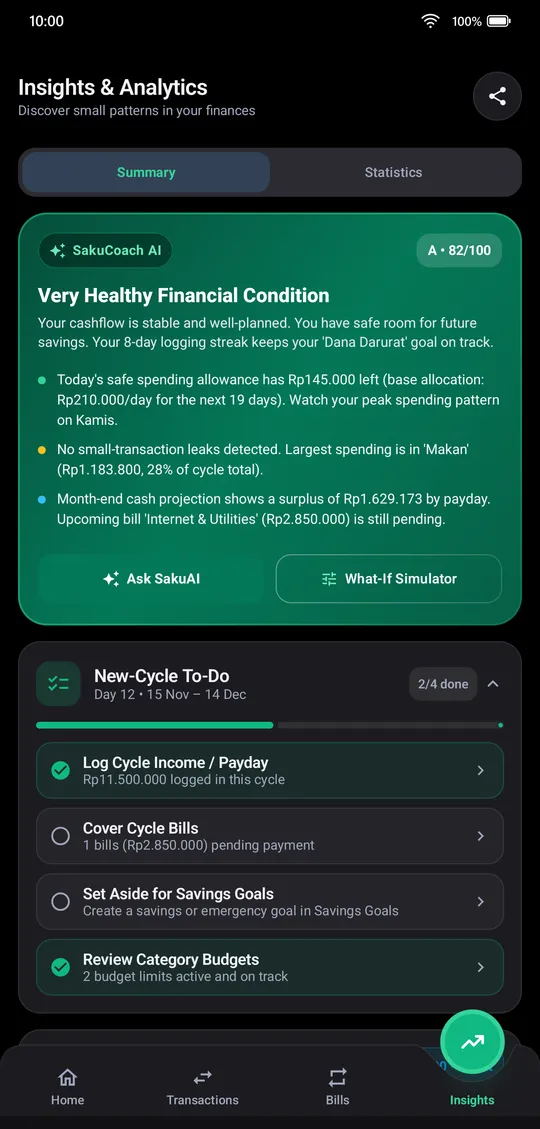
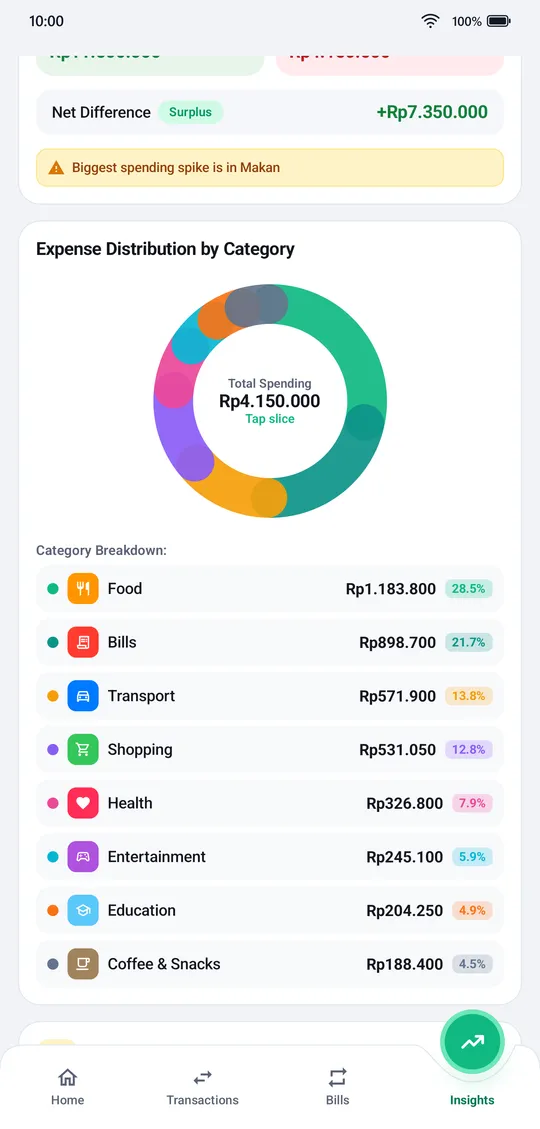
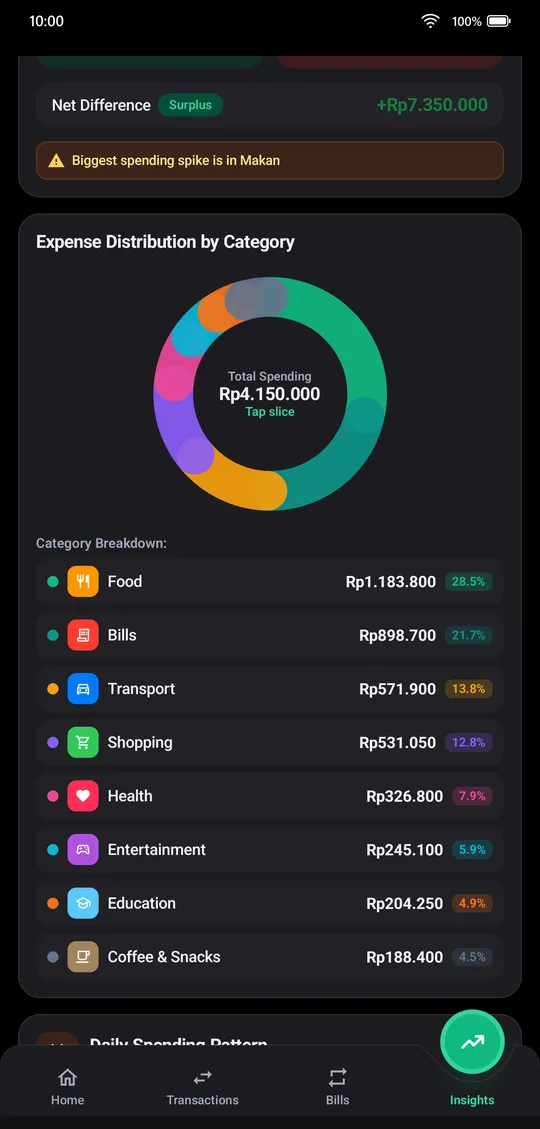
Home & Safe-to-Spend
Track active balance, daily safe-to-spend allowance, and all wallets in one glance.
APP WALKTHROUGH · 40 SECONDS
Watch SakuIn in Action
From daily Safe-to-Spend, 3-second logging, and offline receipt OCR to Split Bill & Dark Mode analytics.
Key Features
Daily Safe-to-Spend
Automatically calculates your daily spending allowance from your payday cycle budget and recurring bills so you stay on track.
Offline Receipt & QR Scan
Receipt and QR scanning runs completely on-device via ML Kit & ONNX Runtime without uploading receipt photos to any server.
Encrypted Backup & Family Sync
Optional sync via your personal Google Drive using the restricted drive.file scope (family_vault.spvault).
One UI Widget & Biometric Lock
Check your remaining daily budget right from your Android home screen and protect access with device biometrics.
What Stays on Your Device vs Optional Personal Drive
On-Device Default
100% Local & Offline
- Transactions, payday budgets, and recurring bills stay in your phone's local database.
- Receipt photos are processed on-device by ML Kit & ONNX Runtime with zero server uploads.
- Works fully in airplane mode without signing into a Google account.
Optional (With Your Consent)
Personal Google Drive (drive.file)
- Only accesses archive files created by SakuIn (
family_vault.spvault), never your other Drive files. - Data is encrypted on-device before syncing for personal backup or Family Vault sharing.
- Can be disabled and revoked at any time from your Google account settings.